
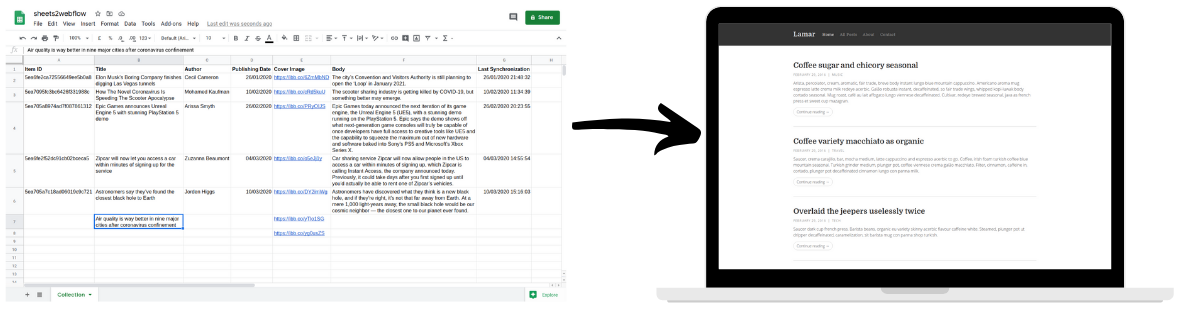
Keep Your Webflow Content Up-To-Date

Use

Google Sheets to maintain the dynamic content of your

Webflow site, no coding required.

Thank's for your interest in sheets2webflow! We will notify you once it is ready.
Oops! Something went wrong while submitting the form.

Save time and maintain your Webflow CMS with Google Sheets.

1 - Add Your Webflow Project

Integration with your Webflow account removes time-consuming setup steps.
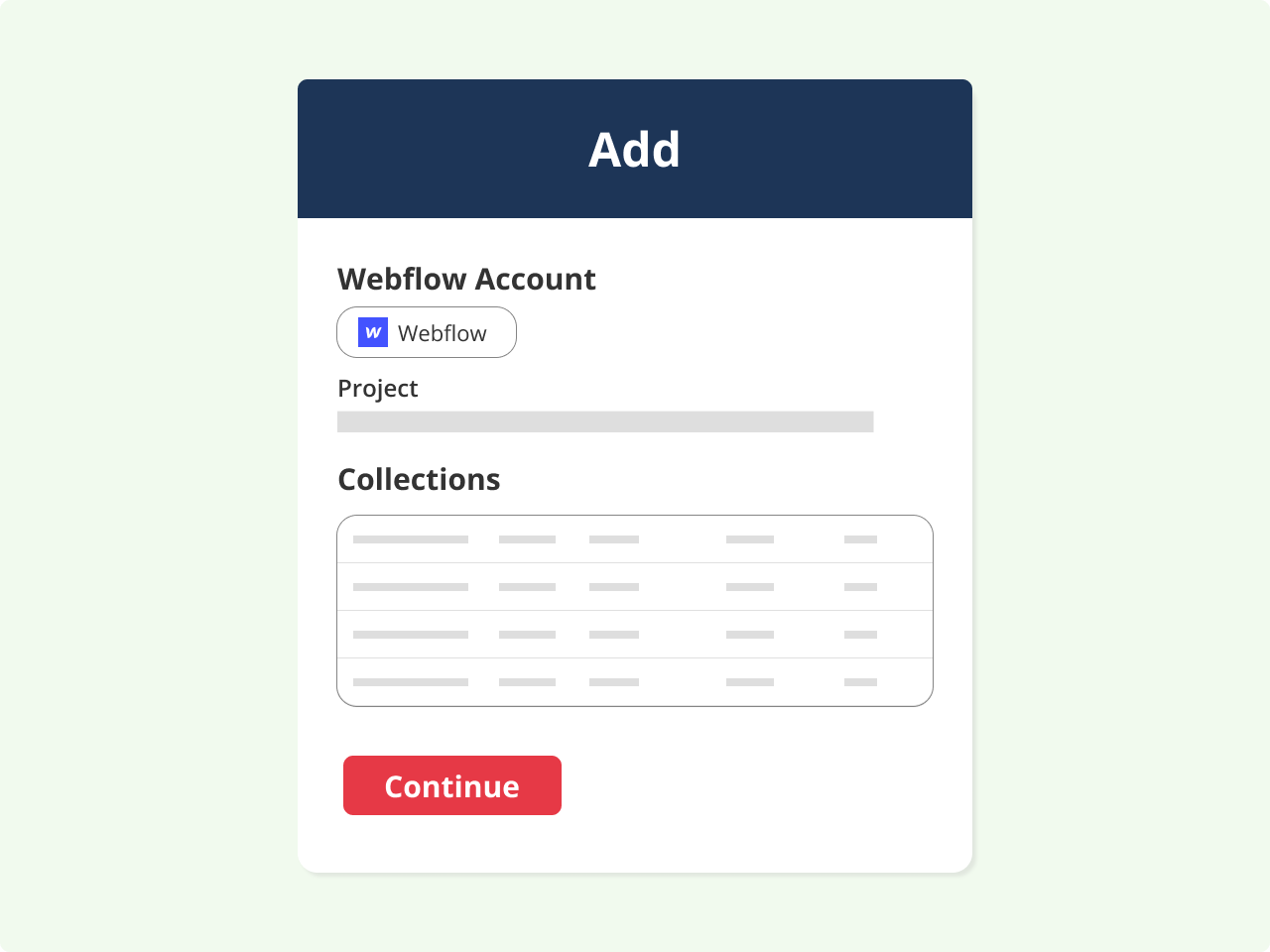
  • Simple Webflow authentication.
  • Select the project that you want to connect.
  • Review the Collections and Fields that can be maintained through Google Sheets.

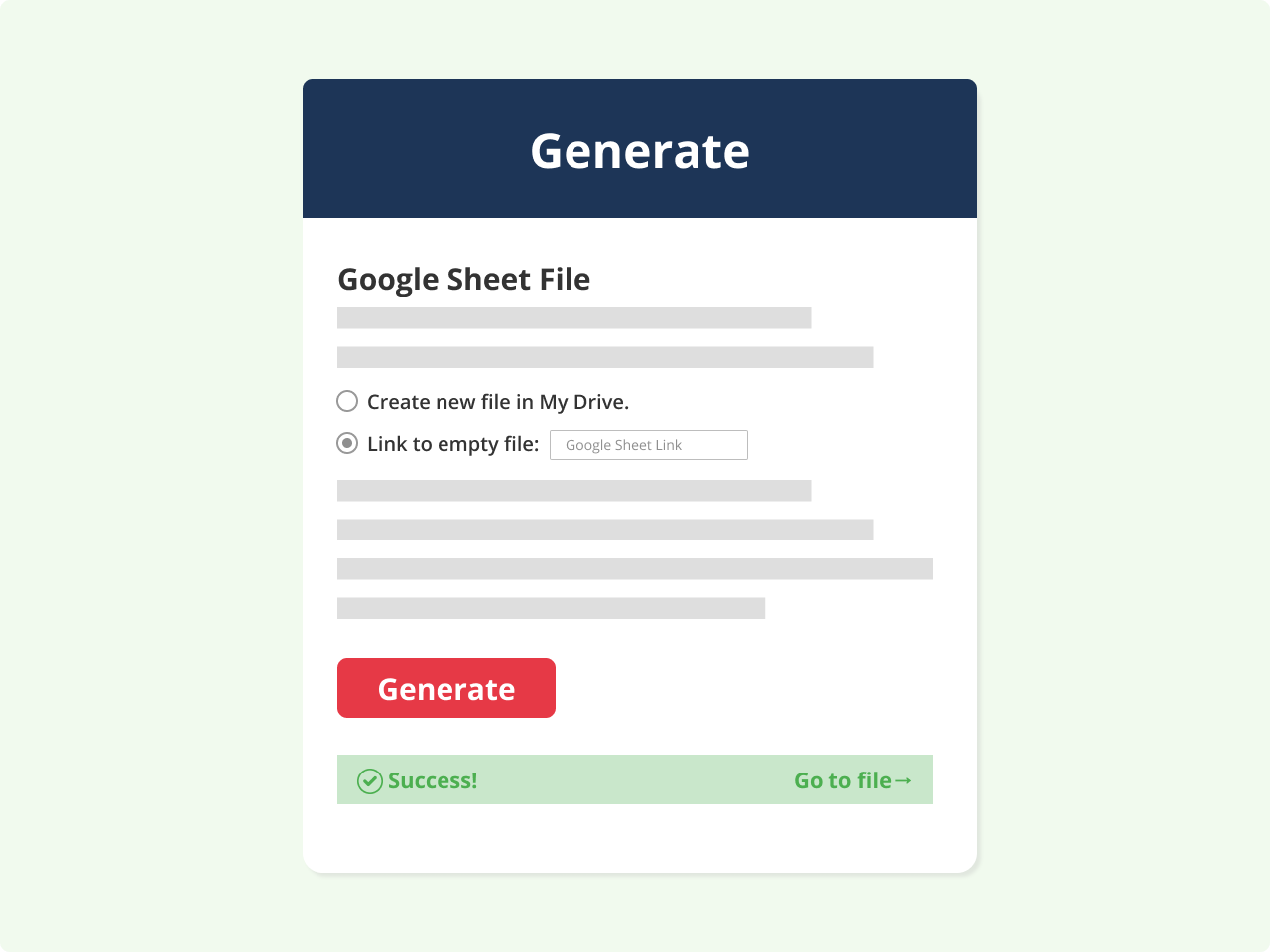
2 - Generate Your Google Sheets File

A new Google Sheets file is automatically generated according to the structure and content of your Webflow Collections.

  • Every collection field is represented by its own column.
  • Preexisting data from your collections is added automatically.
  • Add new items and updated existing entries directly in your Google Sheets file.

3 - Update The Content Of Your Webflow Site

Simply edit the data in your Google Sheets and commit the changes to update your Webflow Collections.
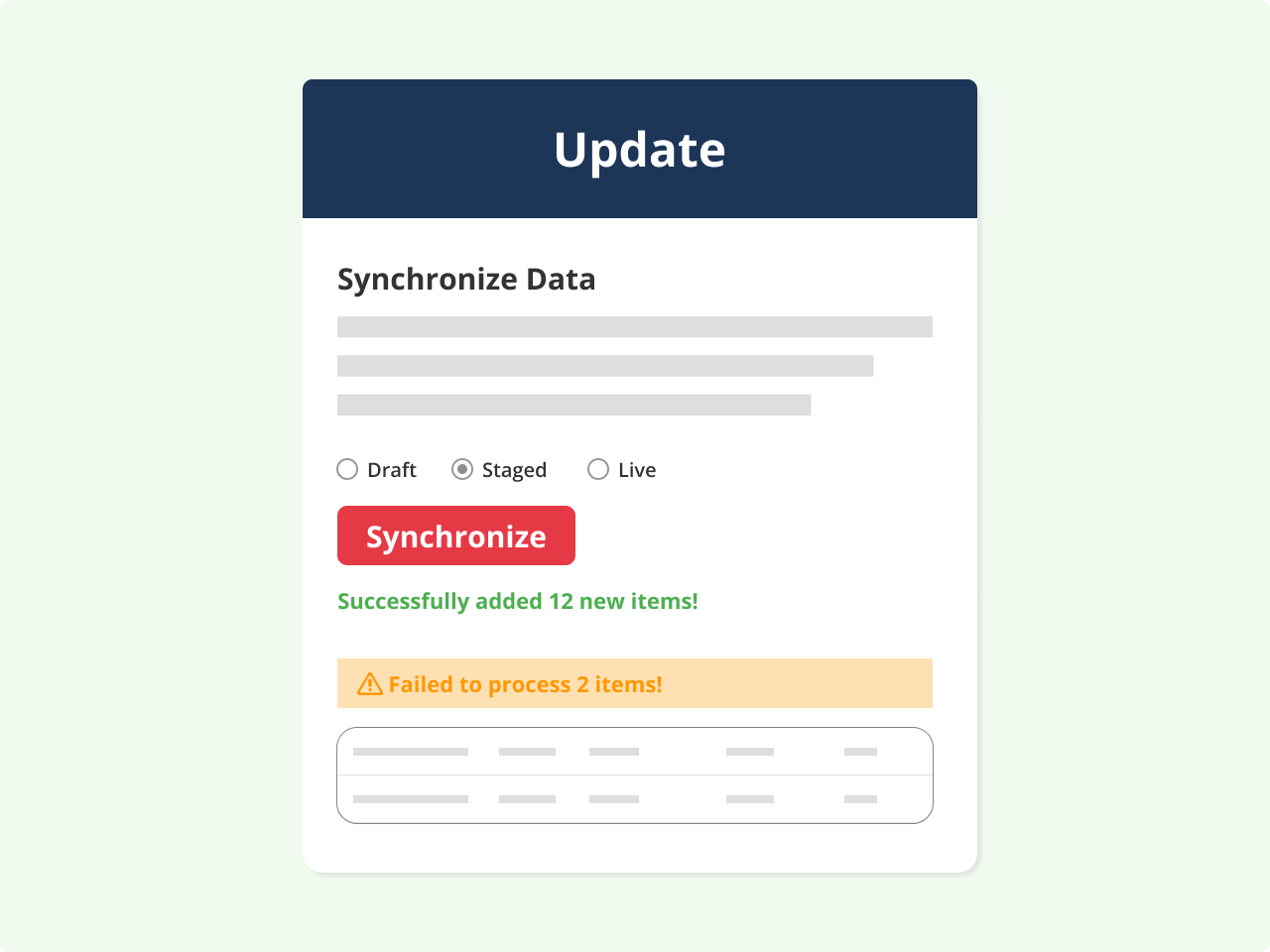
  • Define your publishing preferences (draft, staged, live).
  • Synchronize your Webflow Collections with the Google Sheets data.
  • Review the commit logs and resolve conflicts.

Request Access

We will notify you when sheets2webflow is ready to to simplify your content management.

Thank's for your interest in sheets2webflow! We will notify you once it is ready.
Oops! Something went wrong while submitting the form.